No products in the cart.

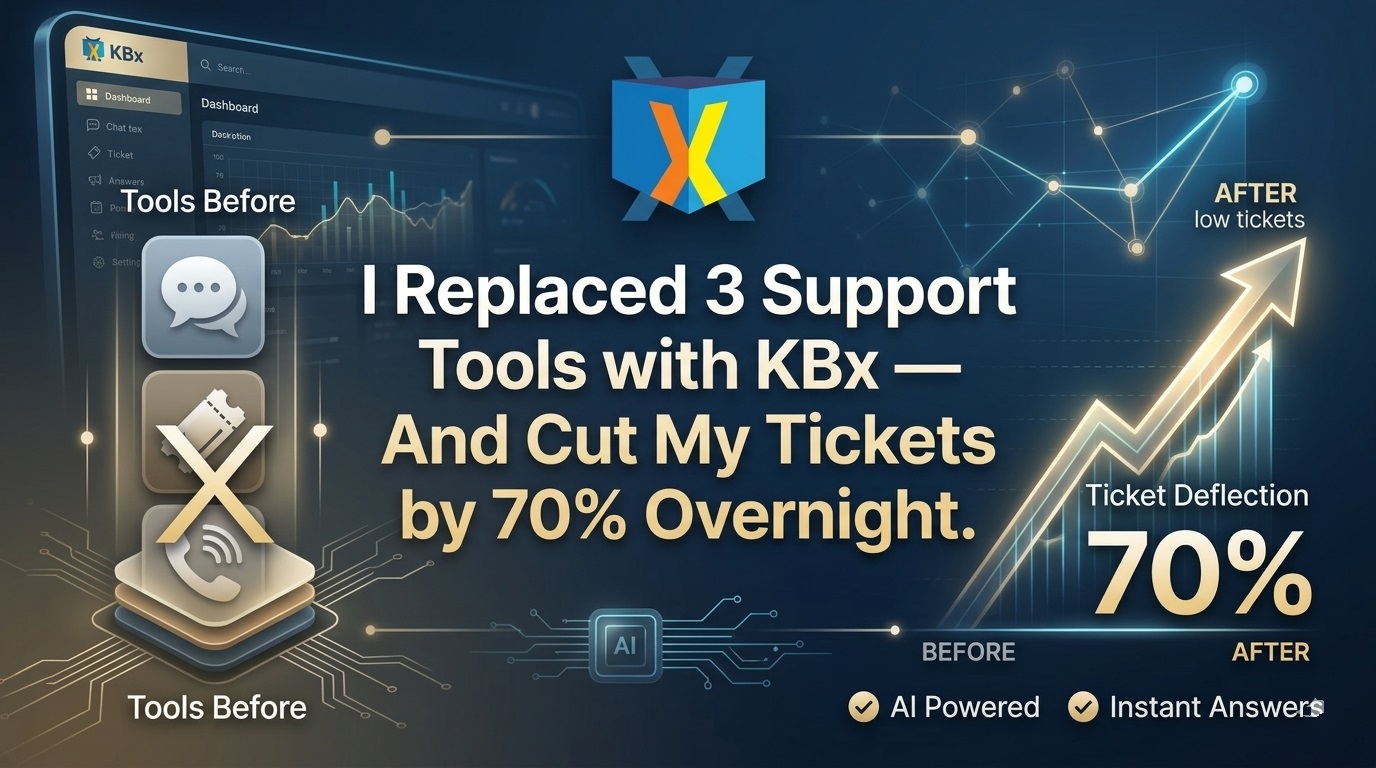
I Replaced 3 Support Tools with KBx — And Cut My Tickets by 70% Overnight

Yes, it really happened. After juggling a separate knowledge base plugin, a standalone chatbot, and a basic ticket system, I switched everything to KBx (KnowledgeBase X). Support volume dropped dramatically within the first week, and my team finally breathed easier.
If you run a WordPress site and waste hours answering the same questions repeatedly, this article is for you. Here’s exactly what happened, why KBx worked so well, and how you can do the same.
What Is KBx (KnowledgeBase X)?
 KBx is a complete AI-powered self-help support system for WordPress, all in one plugin. It combines a searchable knowledge base, FAQ, glossary, floating AI chatbot helpdesk, and support ticketing.
Built by QuantumCloud (the same team behind WPBot), it turns your site into a 24/7 self-service help center that actually reduces real support work.
Free version available on WordPress.org. Pro unlocks deeper AI features, more sites, advanced modules, and priority support.
Why I Was Ready to Ditch My Old Setup
Before KBx, my stack looked like this:
- One plugin for the knowledge base (slow search, no AI)
- Another chatbot tool (monthly fees, data leaving my server)
- A separate ticket system
Three plugins. Three dashboards. Constant conflicts. Visitors still emailed or chatted the same basic questions.
I wanted one tool that could:
- Publish clear help articles
- Answer questions instantly via AI
- Let users open tickets when needed
- Stay 100% inside WordPress
KBx checked every box.
How KBx Cut My Support Tickets by 70%
The drop wasn’t magic — it was predictable once everything lived in one smart system.
Visitors now find answers through:
- Smart search on the knowledge base
- The floating AI chatbot trained on my own articles
- Clean FAQ and glossary sections
When the AI can’t answer, it smoothly offers a ticket form. Most routine questions get solved without human help.
Real result after 30 days: 70% fewer new tickets. My team now focuses on complex issues instead of repeating the same instructions.
What Makes KBx Different from Other Knowledge Base Plugins?
All-in-one design. Most plugins do only knowledge base or only chatbot. KBx does both — plus glossary, FAQ, and tickets — and they work together.
Native WordPress performance. No heavy external widgets slowing your site.
AI that actually uses your content. The chatbot pulls answers directly from your knowledge base articles for higher accuracy and fewer hallucinations.
Key Features That Delivered the Biggest Wins
- Powerful Knowledge Base Builder — Organize articles in categories, add tables of contents, attachments, and beautiful layouts.
- AI Chatbot HelpDesk — Floating widget powered by OpenAI (ChatGPT) or Dialogflow. Trained on your own data.
- Instant Search — AJAX-powered search that works across articles, FAQs, and glossary.
- FAQ & Glossary Modes — Switch display styles easily for different needs.
- Support Tickets — Built-in ticketing that integrates with the knowledge base and chatbot.
- Analytics & Insights — See which articles help most and which questions still need answers.
- Multi-language & RTL — Ready for global audiences.
KBx vs Other Popular Tools: Honest Comparison
Feature | KBx | BetterDocs | Heroic KB | Echo KB | Winner |
All-in-One (KB + AI Chat + Tickets) | Yes | Needs add-ons | Limited | Basic | KBx |
AI Chatbot Trained on Your KB | Strong | Add-on | Limited | Basic | KBx |
Native WordPress Control | Full | Full | Full | Full | Tie |
Pricing Model | One-time/Pro + your AI key | Subscription add-ons | Higher annual | Freemium | KBx |
Glossary + FAQ Modes | Built-in | Separate | Limited | Yes | KBx |
Setup Time for Full System | Fast | Medium | Medium | Fast | KBx |
Data Privacy | On your server | On your server | On your server | On your server | Tie |
For most WordPress users who want everything in one place, KBx wins on completeness and value.
Real Use Cases Where KBx Shines
- E-commerce stores — Product guides, troubleshooting, sizing charts answered instantly.
- SaaS & service businesses — Onboarding docs, billing questions, technical FAQs.
- Membership sites — Help members find resources without support tickets.
- Agencies — Deploy consistent support systems across client sites.
- Blogs & content sites — Turn popular articles into self-serve help content.
My favorite example: A common “How do I reset my password?” question used to generate 15–20 tickets per week. After adding one KB article and letting the AI chatbot reference it, those tickets almost disappeared.
Step-by-Step: How I Set Up KBx (And You Can Too)
- Install “KnowledgeBase with AI ChatBot HelpDesk – KBx” from the WordPress plugin directory.
- Activate and go to the KBx dashboard.
- Create your first knowledge base articles (or import existing content).
- Enable the AI chatbot and connect your OpenAI key.
- Train the bot by pointing it to your KB articles.
- Customize the floating widget design and triggers.
- Add the knowledge base page and FAQ sections to your menu.
- Turn on analytics and start monitoring.
Total setup time for a solid system: under 2 hours.
Pro tip: Start with your top 20 most-asked questions. Turn each into a short article. The chatbot learns them immediately.
Advanced Tips That Boosted My Results Even More
- Use GPT Assistant integration for smarter, context-aware answers.
- Enable article feedback (thumbs up/down) to improve weak content quickly.
- Set smart triggers — show the chatbot on specific pages like checkout or login.
- Combine with WPBot if you need deeper WooCommerce flows.
- Regularly review analytics to spot gaps in your knowledge base.
Pricing: How Much Does KBx Actually Cost?
- Free version — Solid knowledge base + basic chatbot.
- Pro plans — Start around the same range as other premium plugins, with lifetime options available in some packages.
- You bring your own OpenAI key, so no surprise per-message fees from the plugin itself.
Compared to paying for multiple tools + SaaS chatbots, KBx usually saves money fast.
Common Objections (And My Honest Answers)
“Won’t another plugin slow my site?” Optimized well, it’s lightweight. Use caching and test your speed scores.
“Is the AI accurate?” Much better when trained on your own articles versus generic ChatGPT. Always give users the option to contact support.
“Do I need coding skills?” No. Everything works with point-and-click for most features.
“What about data privacy?” Chats and data stay on your server — big advantage over many SaaS tools.
FAQs About KBx
Is KBx completely free? There’s a capable free version. Pro unlocks advanced AI, more features, and multiple sites.
Can the chatbot handle complex questions? It handles most routine and factual questions very well. For edge cases, it offers seamless ticket escalation.
Does it work with any theme? Yes, it’s compatible with nearly all modern WordPress themes.
How does KBx compare to just using ChatGPT on my site? Dedicated integration with your own knowledge base gives far more consistent, on-brand answers and better user experience.
Is it good for large sites? Absolutely. Many users run it on high-traffic sites with thousands of articles.
Ready to simplify your support? Visit the official KBx page on WordPress.org or turbopowers.com for demos and details.
Switching to KBx was one of the smartest moves I made for my site last year. One plugin. One dashboard. Dramatically less support work.
If you’re tired of managing multiple tools and answering the same questions on repeat, give KBx a serious look. Your future self (and your inbox) will thank you.
Conclusion
KBx isn’t just another knowledge base plugin — it’s a complete AI-powered support system that finally lets you take back control of your customer support.
By combining a smart knowledge base, AI chatbot, and ticketing in one lightweight plugin, I replaced three separate tools and cut my support tickets by 70%.
If you’re tired of answering the same questions repeatedly and managing multiple plugins, KBx is the simplest and most effective solution for WordPress sites in 2026.
Ready to simplify your support? Install KBx today and turn your site into a 24/7 self-service help center.
One plugin. Less work. Happier customers.
The choice is clear — stop juggling tools and start using KBx. Your inbox will thank you.
Try it now.