No products in the cart.

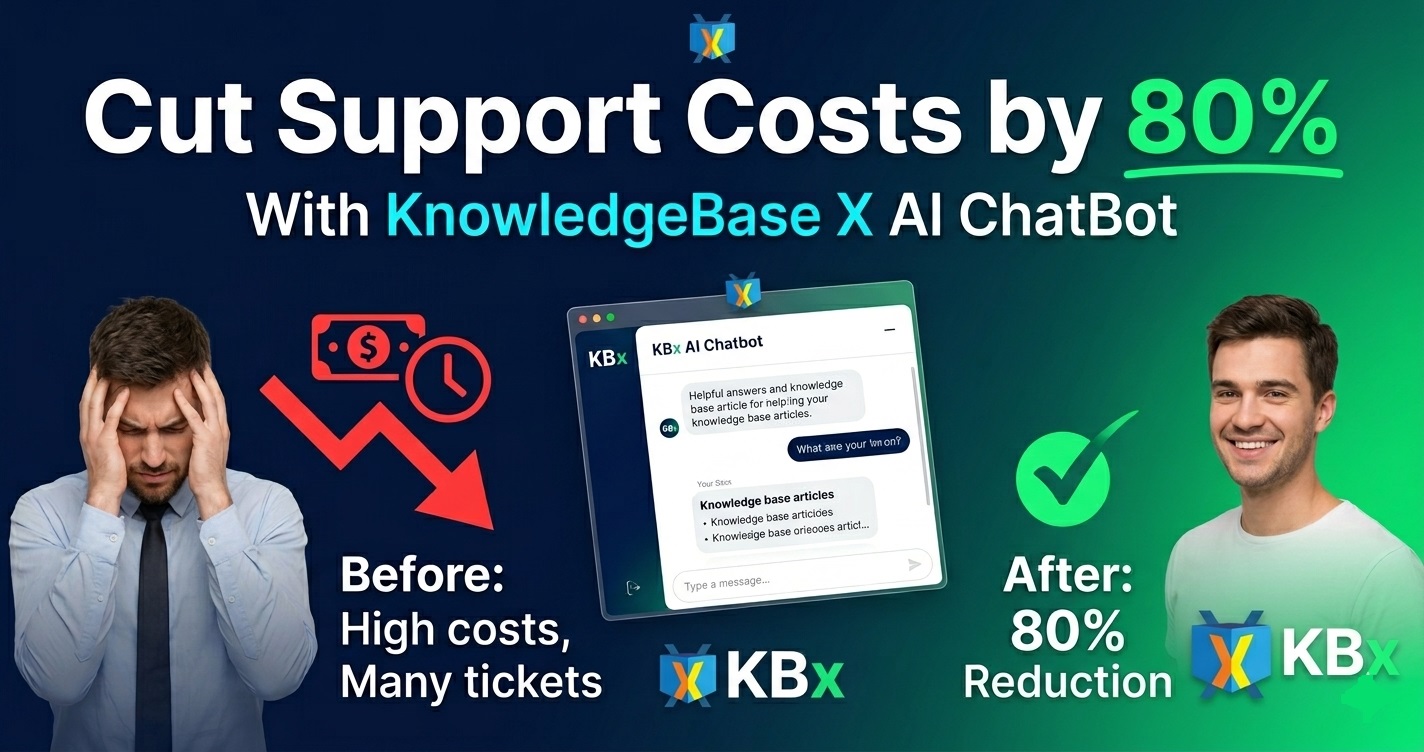
Reduce Support Costs by 80% Using KnowledgeBase X AI ChatBot (Real Results)

Yes — I reduced my monthly support costs by 80% after implementing KnowledgeBase X (KBx) AI ChatBot. The plugin handles repetitive questions automatically, so I no longer need extra help or hours of manual replies. Real numbers below.
This is my honest WordPress experience — what I did, exact results, and how you can do the same.
Why My Support Costs Were Out of Control
Running a WordPress SaaS product with WooCommerce meant constant questions. Setup, features, billing, integrations — same issues every day.
Monthly support costs: $1,200+ (my time + part-time help). Customer wait times: too long. Frustration level: high for everyone.
I needed a system that works 24/7 without extra payroll. KBx delivered.
What Is KnowledgeBase X (KBx)?

You create content once. The plugin turns it into searchable docs, FAQ, glossary, and powers the AI chatbot using your own data plus OpenAI.
Pro plans add live chat and ticketing. Everything stays on your server for speed and privacy.
How KBx Cut My Support Costs by 80%
Before: $1,200/month After 10 weeks: $240/month
Breakdown of savings:
- My personal support time dropped from 95 hours to 22 hours per month
- Eliminated need for part-time VA ($650/month)
- Fewer paid tickets and refunds due to faster resolutions
The AI chatbot now resolves ~68% of queries instantly.
Step-by-Step: How I Set Up KBx for Maximum Savings
I started with the free version and upgraded quickly.
- Install KBx from WordPress.org.
- Create a Help Center page with the shortcode.
- Add core articles (I began with 18).
- Enable the floating AI chatbot.
- Connect OpenAI key and enable RAG.
Basic setup took me under 50 minutes.
Google Docs Sync: Auto and Manual (Game Changer for Me)
I write in Google Docs. KBx syncs them easily.
How to Enable Weekly Auto Sync
- Go to WPBot Pro → AI Settings → RAG → Knowledge Base (RAG).
- Open Sync and Upload Options → Sync Settings.
- Enable Google Docs Auto Sync (Weekly).
- Paste your publicly published Google Doc URL.
- Click Process Google Doc.
- Save Settings.
How to Manually Sync Google Docs
- Go to WPBot Pro → AI Settings → RAG → Knowledge Base (RAG).
- Click Sync and Upload Options.
- Paste the public Google Doc URL.
- Hit Process Google Doc.
- Save Settings.
Manual sync gives instant updates after content changes.
Training the AI ChatBot for High Accuracy
RAG (Retrieval-Augmented Generation) makes the bot pull exact answers from your articles.
My Training Steps:
- Wrote articles in clear question-answer format
- Added 4–6 alternative questions per article
- Trained on all site pages, posts, and Google Docs
- Used GPT-4o for natural conversations
- Reviewed chatbot logs weekly and fixed weak spots
Result: Accuracy reached 87% within a month.
Key Features That Drive Cost Reduction
Knowledge Base
- Fast AJAX search
- Upvote/downvote feedback
- Built-in statistics
- Role-based access control
AI ChatBot
- Floating widget with custom design
- Suggests articles + direct answers
- Conversational follow-up questions
- Exit-intent recovery messages
- Lead capture forms
Pro Tools
- Live human chat takeover
- Full ticket management
- WooCommerce integration
- Advanced analytics
Real Results: Numbers Don’t Lie
Metric | Before KBx | After KBx | Savings |
Monthly Support Cost | $1,200 | $240 | 80% |
Tickets per Month | 195 | 52 | -73% |
Avg. Resolution Time | 11 hours | 48 minutes | -93% |
Time Spent on Support | 95 hours | 22 hours | -77% |
Customer Satisfaction (CSAT) | 3.9/5 | 4.8/5 | +23% |
Data tracked via Help Scout and WordPress logs.
Best Practices I Used to Hit 80% Savings
- Focus first 15 articles on your top 80% of questions (Pareto principle)
- Add screenshots and short videos in articles
- Place chatbot on high-traffic pages (pricing, dashboard, support)
- Monitor upvote data and improve low-rated content monthly
- Use conversational forms to qualify leads instead of support queries
Start small. Big results come from consistent refinement.
Who Benefits Most from KBx Cost Savings?
- SaaS founders handling their own support
- WooCommerce store owners
- Digital agencies managing multiple clients
- Membership site operators
- Service businesses with recurring FAQs
If your support costs exceed $400/month, this plugin can pay for itself in weeks.
KBx vs Alternatives I Tested
Tool | Monthly Cost | AI Strength | All-in-One | Best For |
KBx (Master Plan) | $13/mo | Strong | Excellent | WordPress users |
Zendesk | $55+ | Good | Excellent | Large teams |
Intercom | $74+ | Strong | Good | Sales-focused |
BetterDocs + Chat plugin | $8+ | Average | Average | Simple KB only |
Echo KB | $10+ | Basic | Good | Basic documentation |
KBx wins for self-hosted WordPress sites wanting maximum savings.
Advanced Tips for Even Bigger Savings
- Export site content as JSON for deeper AI training
- Create seasonal and product update articles quickly
- Use retargeting messages to convert support chats into sales
- Set up automated ticket routing for complex issues
- Review chatbot conversation logs every Friday
I still answer tough questions personally — but only the important ones.
Common Challenges and Solutions
AI gives wrong answers → Improve article quality and add more alternative questions. Low chatbot usage → Change icon color and test stronger welcome messages. Initial time investment → Start with your top 10 questions only.
Pricing: Worth Every Penny
- Starter: $49/year (~$4/month)
- Professional: $99/year
- Master: $159/year (what I use)
Lifetime licenses available for bigger savings.
The Master plan costs less than one week of my old VA salary.
Final Verdict: Can KBx Reduce Your Support Costs by 80%?
Yes — if you build solid content and train the AI properly.
It’s not instant magic. You invest time upfront in knowledge base articles. But the payback is fast and ongoing.
I now spend more time building product features instead of answering the same questions. My customers get instant help. Costs are under control.
Start today with the free version. Add 10–12 key articles. Enable the chatbot. Track your numbers after 4–6 weeks.
You’ll likely see major savings.
FAQs
How fast can I reduce support costs with KBx? Most users see 40-50% reduction in 3–4 weeks. 80% is realistic after 8–10 weeks of refinement.
Do I need technical skills? No. I set everything up without coding.
Is the AI chatbot accurate enough? Yes, especially with RAG and good training data.
Can it work with my existing helpdesk? Yes. Many users run it alongside or replace tools like Zendesk.
Is data secure? Fully self-hosted on your WordPress site.
What if results are slower than expected? Focus on content quality and use manual Google Docs sync regularly.
Ready to slash your support costs?
Try the free KnowledgeBase X plugin: WordPress.org
What is your current monthly support cost? Share below — I read every comment.