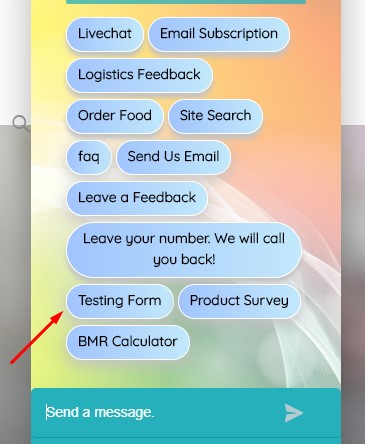
Displaying a form is very easy in Chatbot. The form is automatically added to Chatbot Start Menu as Intent. If you type start in Chatbot you will see the “Form Name” appears as Start Menu Button.

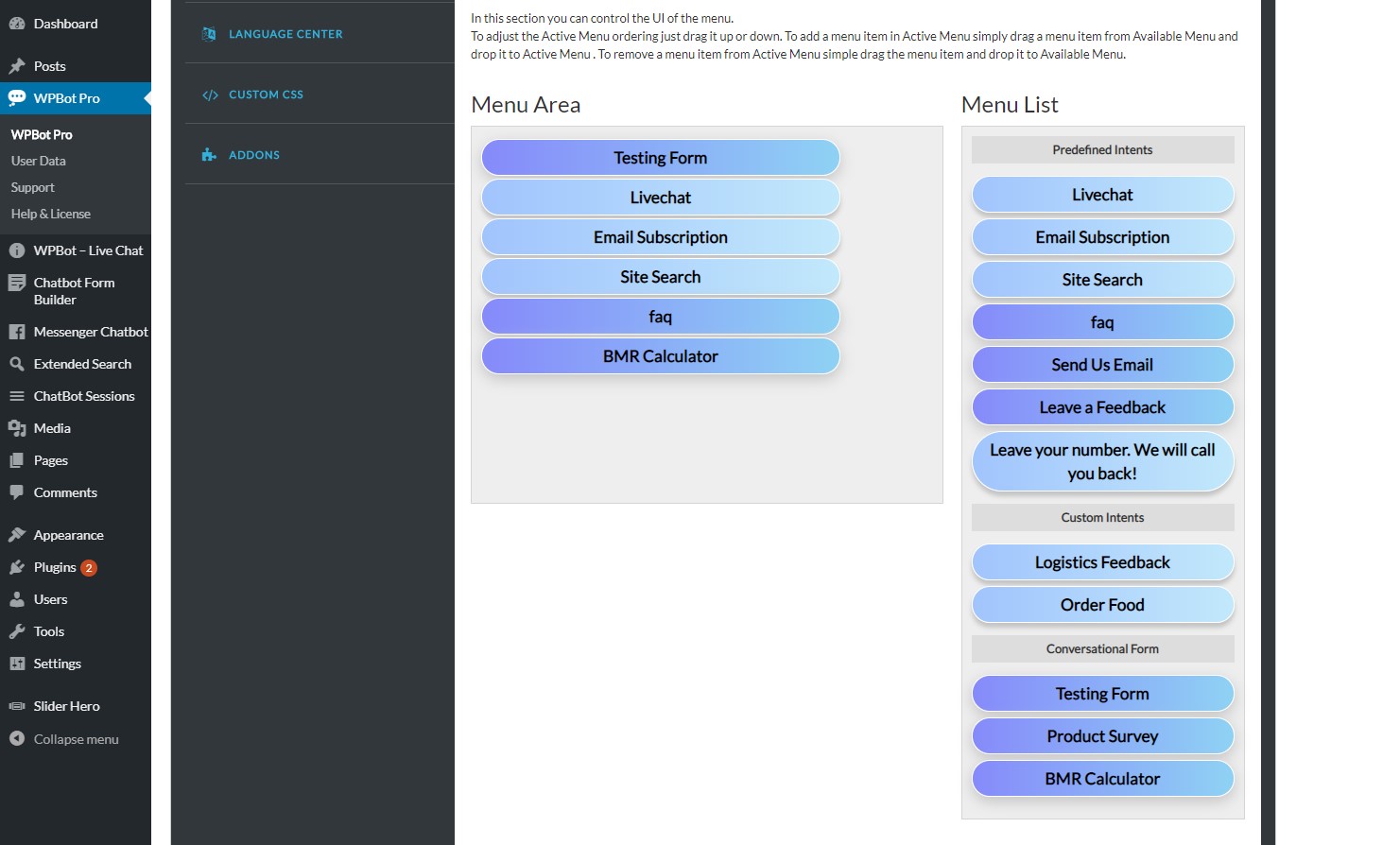
Also you can change the order of start menu button like if you want to show the conversational form you have created as a first button you need to go to Chatbot Pro > Start Menu page and you can drag & drop a menu item from Menu List to Menu Area and change to order by drag up or down in Menu Area.